A request begins
A button, sensor, application, or approved integration creates a service event for a specific area or need.
CONNECTED SERVICE OPERATIONS
Give customers and teams a simple way to request assistance. Service Alert routes the request, plays the right local message, and gives operators a clear view of response across every location.
Assistance requested
Health & BeautyTeam notified · local announcement activeBUILT FOR REAL LOCATIONS
Service Alert connects the moment someone needs help with the people and workflows that can respond. It is designed for busy environments where clear local action matters more than another screen to watch.
HOW IT WORKS
A button, sensor, application, or approved integration creates a service event for a specific area or need.
The local site announces or displays the request using its assigned language, voice, priority, and escalation rules.
Staff acknowledge and complete the request while managers see status without interrupting local service.
Response history and operational trends help teams improve coverage, service levels, and customer experience.
THE PLATFORM
Sites retain approved rules and audio so essential service continues during Internet interruptions.
Direct each request by location, service type, schedule, priority, and approved escalation path.
Use recorded or generated audio, multiple languages, and location-specific messages with central oversight.
See request status, response time, site readiness, device health, and exceptions from one portal.
Apply consistent standards while allowing the right configuration for each company, site, and service area.
Identity-based access, encrypted connections, signed configuration, and audit history protect operations.
USE CASES
Service Alert adapts to different environments while keeping the experience simple: request help, reach the right team, and make the response visible.

RETAIL
A shopper requests help in an aisle without searching for an employee. The assigned team hears a location-aware message and can respond directly.

DEPARTMENT STORES
Give shoppers a clear way to request assistance across apparel, shoes, beauty, jewelry, and home departments—even when an associate is covering a large area.

SPECIALTY RETAIL
A shopper can request another size, fitting-room support, or help with secured merchandise without leaving the area or repeatedly searching for staff.

OMNICHANNEL RETAIL
Signal when a customer arrives at an order-pickup or returns point, notify the assigned team, and make delayed or unanswered requests visible to a supervisor.

LARGE-FORMAT RETAIL
Connect shoppers with an associate who can locate merchandise, check nearby stock, or coordinate help for larger items across sprawling store departments.

HEALTH SERVICES
A waiting customer signals that they are ready. Staff receive a clear request without relying on shouting, repeated bell presses, or constant counter monitoring.

HOSPITALITY
Guests can ask for assistance in lobbies, meeting spaces, pool areas, or service zones. The right team receives the request with useful location context.

FACILITIES
Approved equipment, environmental, door, leak, or occupancy signals can notify facilities teams before a small issue becomes a larger interruption.

ACCESSIBILITY
Place a clear assistance option where customers may need additional support, then route it discreetly to trained staff.

SENIOR LIVING
Provide a familiar way to request non-emergency assistance in shared spaces while keeping response accountability.

WAREHOUSE
Signal replenishment, supervisor assistance, equipment attention, or a blocked workflow without leaving the work area.

QUEUES & COUNTERS
Notify backup staff when a queue or counter needs attention, using schedules and escalation appropriate to the location.
EXTEND THE SIGNAL
Buttons are only one starting point. Service Alert can grow with approved environmental, equipment, occupancy, and contact sensors—turning a reading or state change into a local message, team notification, escalation, or recorded response.

Watch refrigerators, freezers, storage rooms, pharmacies, kitchens, and equipment spaces. Notify the right team when readings move outside an approved range.
Cold chain · food service · equipment rooms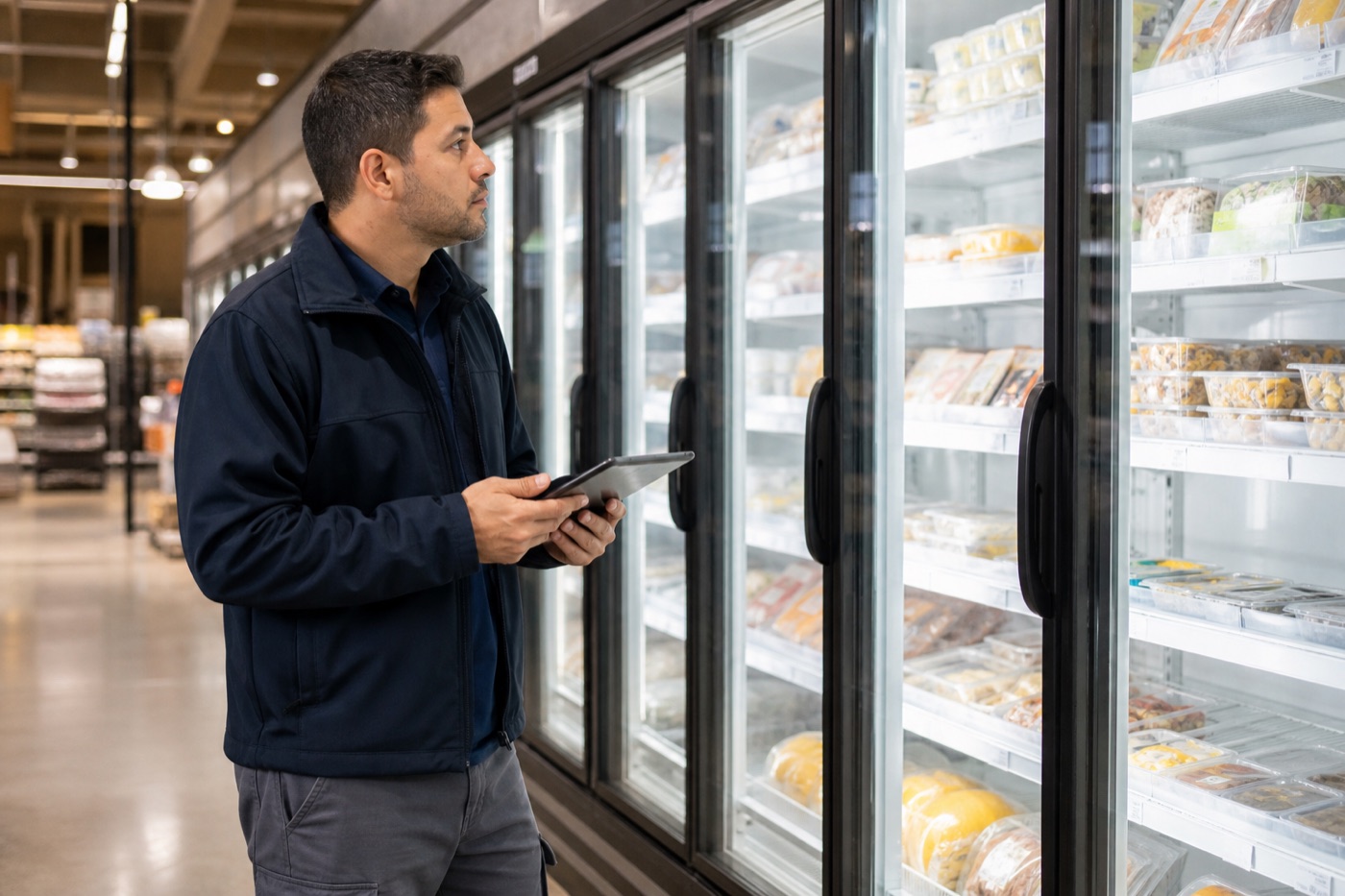
Detect refrigeration exceptions early enough for teams to inspect equipment, relocate inventory, and document corrective action before a temperature problem becomes avoidable product loss.
Convenience stores · grocery · prepared food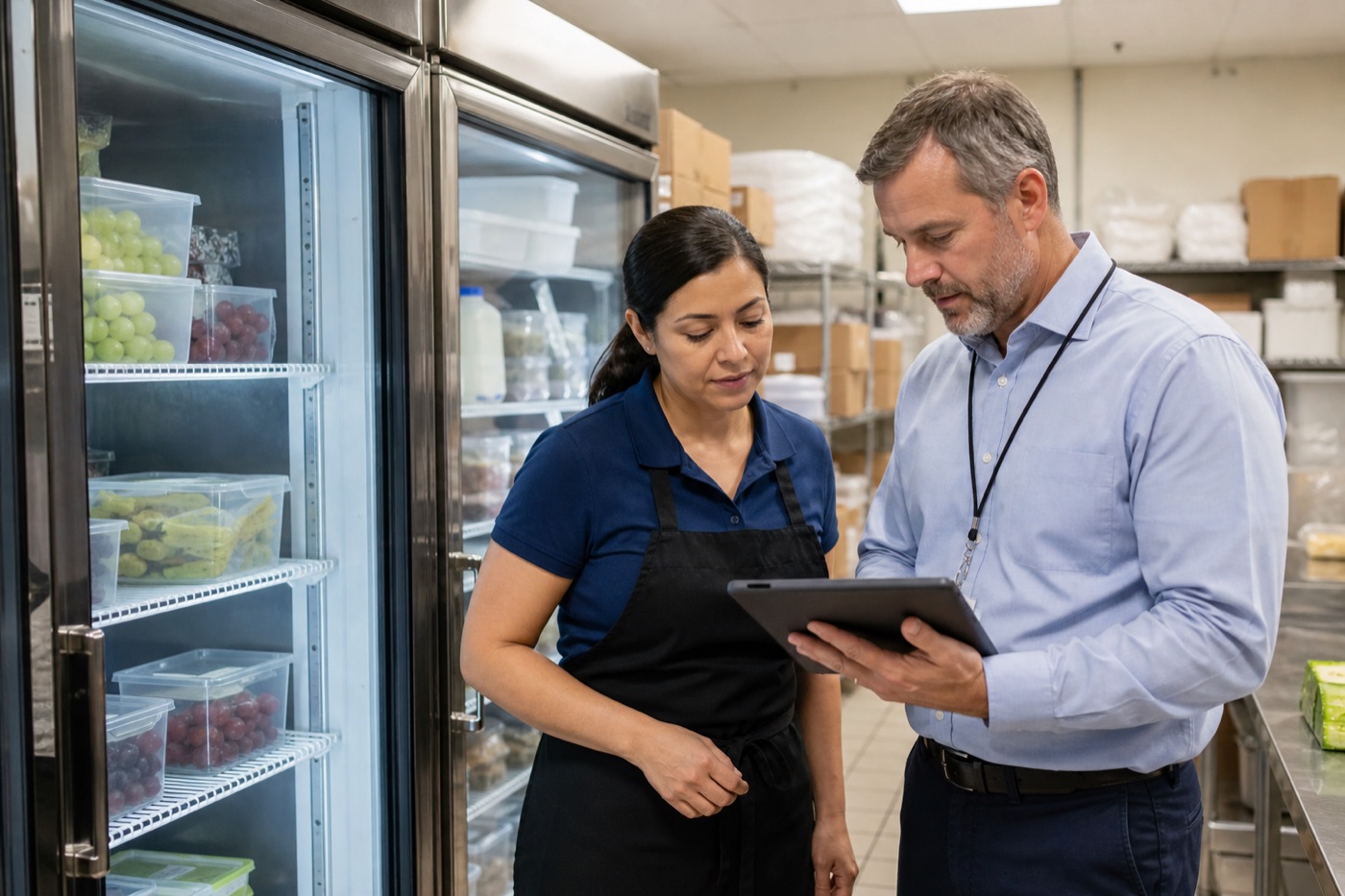
Keep time-stamped readings, exceptions, acknowledgements, and corrective-action history together so routine reviews and food-safety audits require less manual record gathering.
Compliance history · exception review · accountability
Identify conditions that can affect inventory, comfort, electronics, archives, or building performance before they create avoidable damage.
Storage · facilities · indoor environment
Use approved vibration or motion patterns to flag equipment condition, movement, handling events, or an area that needs inspection.
Equipment · logistics · asset handling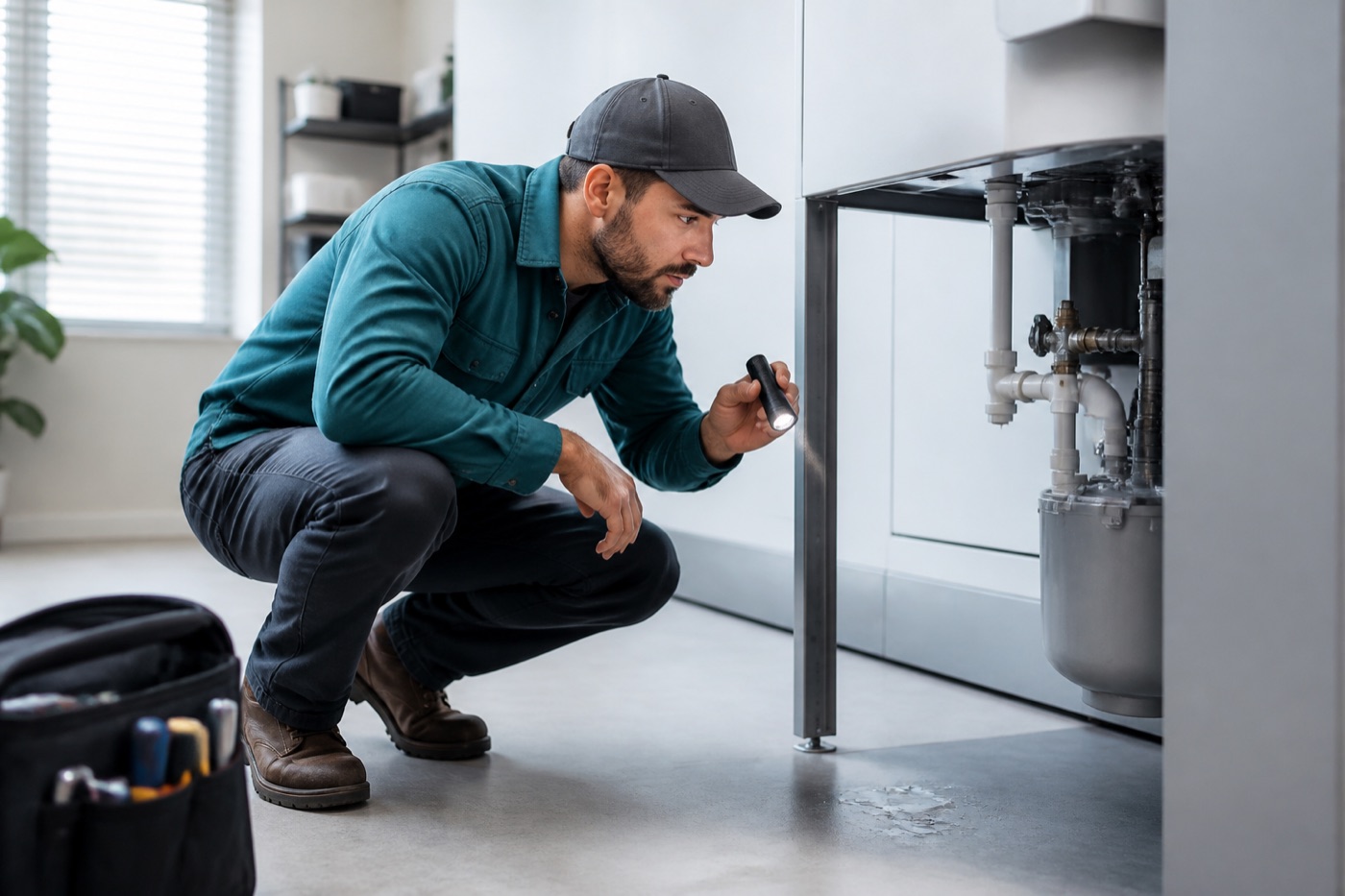
Route an early leak signal to facilities with location context, escalation timing, and a record of acknowledgement and resolution.
Restrooms · refrigeration · utility spaces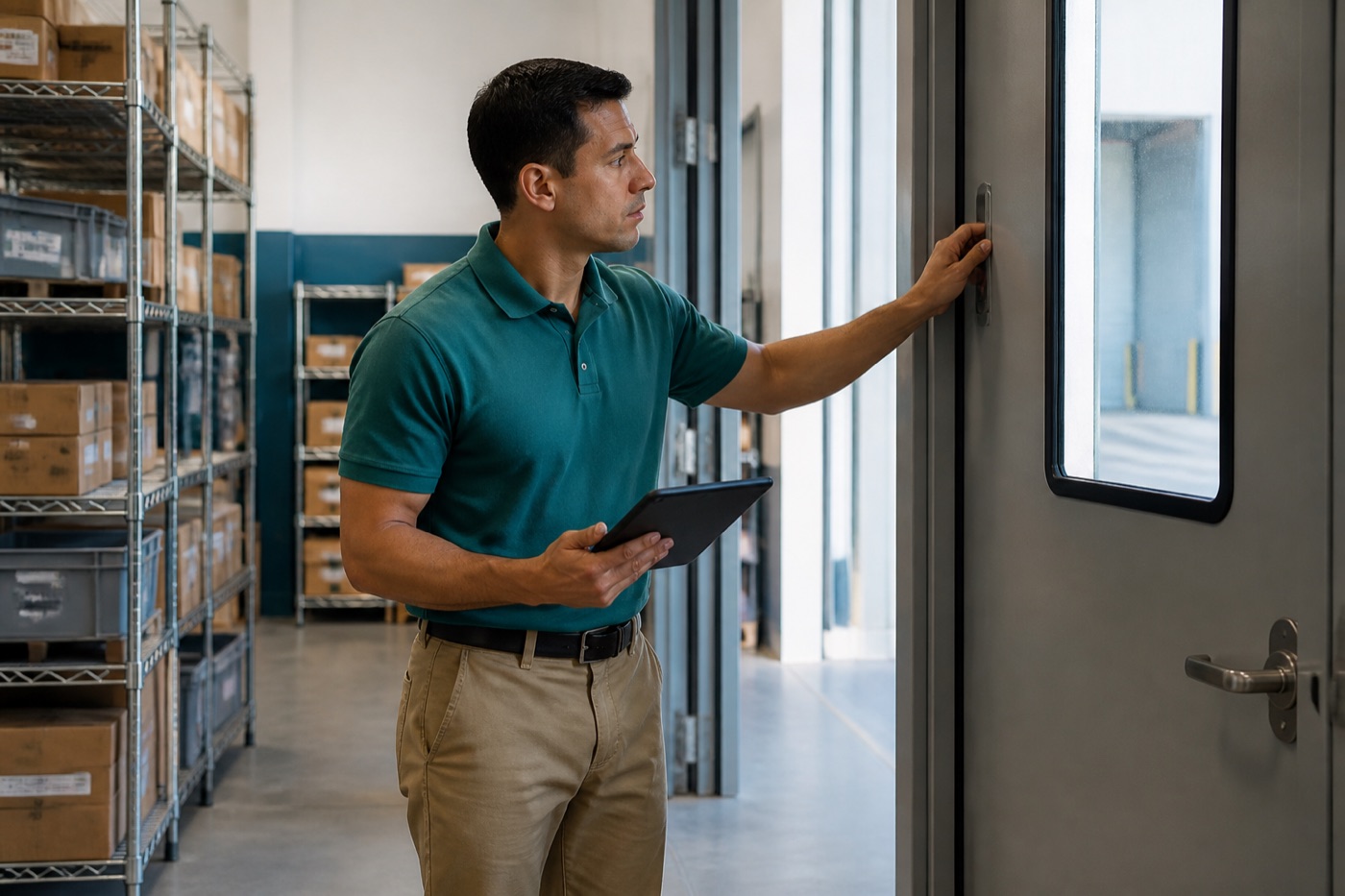
Respond to doors, cabinets, gates, or access points left open, changed unexpectedly, or requiring a workflow follow-up.
Receiving · storage · controlled areas
Use privacy-conscious counts or presence signals to request backup, open another service point, or adjust team coverage.
Checkout · waiting areas · service counters
Convert unusual consumption or load conditions into an actionable facilities request instead of another unattended data point.
Energy · maintenance · operational efficiency
Add future approved devices and decoders as customer needs grow, while keeping authorization, routing, local operation, and reporting consistent.
Extensible by designRESILIENT BY DESIGN
Each site is designed to keep its last approved operating configuration and media available locally. When connectivity returns, queued activity can synchronize safely so operations retain continuity and accountability.
START A CONVERSATION
Talk with IOT Ecosystem LLC about your locations, service workflow, and the devices or systems you want to connect.